İçeriğe atla
TheCodeFix
  • Home
  • Office Solutions
  • Error Codes
  • Developer Fixes
  • Hardware Fixes
  • Security
  • Contact

add python to path

How to Fix ‘pip’ is not recognized Error in Windows 10/11 (2026 Guide)
01/30/202601/28/2026 yazar admin
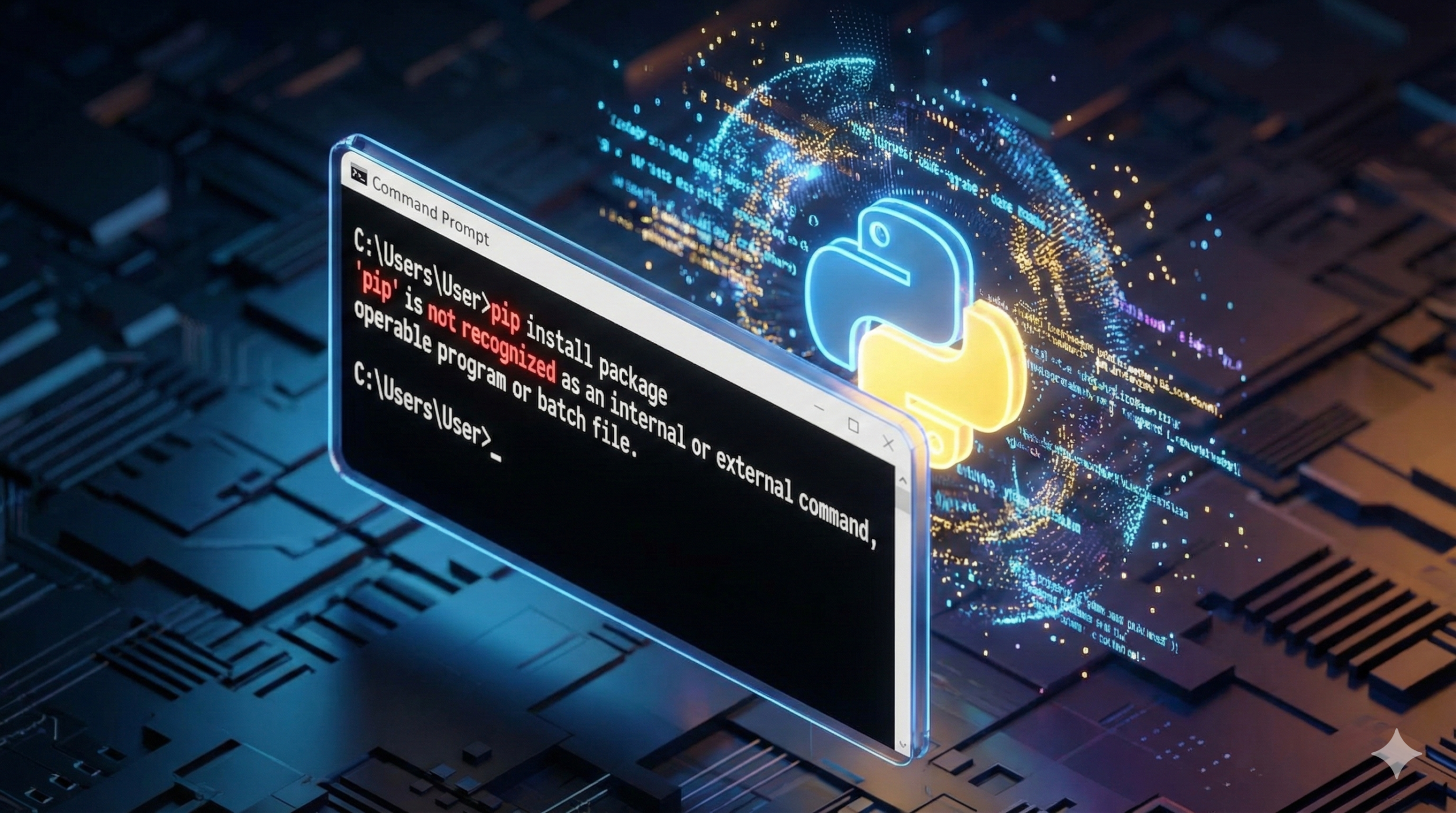
How to fix 'pip' is not recognized error in Windows 10 and 11 Command Prompt

Featured image for the guide on fixing ‘pip’ is not recognized error in Windows 10 and 11, displaying the Command Prompt and Python logo.

Kategoriler Developer Fixes Etiketler add python to path, environment variables, pip command not found, pip install error 4 Yorum

Recent Posts

  • My Screen Is Blue Tint, How Do I Fix It?” – Solved (5 Ways)
  • KB5071959 Download Error? Fix Windows 11 Update & Install Manually
  • How to Fix Black Vertical Lines on Monitor (Software vs. Hardware)
  • How to Fix Surface Pro 4 Screen Ghosting & Flickering (Flickergate Guide)
  • How to Fix “Enter Password to Unlock 30/30 Attempts Remaining” (Instant Solution)

Recent Comments

  1. Fix EA "Failed to Launch Game" Error Instantly (2026) - Fix DXGI_ERROR_DEVICE_REMOVED: Crashes in BG3, Battlefield & More (2026)
  2. DXGI_ERROR_DEVICE_REMOVED: Solved (2026) - Fix Antimalware Service Executable High CPU & Memory Usage (2026)
  3. Fix wsappx High CPU & Disk Usage: 100% Solved (2026) - Fix Antimalware Service Executable High CPU & Memory Usage (2026)
  4. Fix Antimalware Service Executable High CPU (2026) - Error Code 267 Roblox : Fix “You Were Kicked From This Experience” (2026 Guide)
  5. Fix Chrome Flashing Screen & Black Squares (2026) - Error Code 267 Roblox : Fix “You Were Kicked From This Experience” (2026 Guide)
  • Contact
  • Disclaimer
  • Privacy Policy
  • Terms of Service
  • About Us
© 2026 TheCodeFix • Built with GeneratePress